Before the MySiren Test on 29 November, Here Is What to Tell Your Parents
Malaysia's nationwide MySiren emergency alert test is on Sunday, 29 November. Check your phone, help your parents update theirs, and know what the message means.
Also in: Bahasa Melayu中文
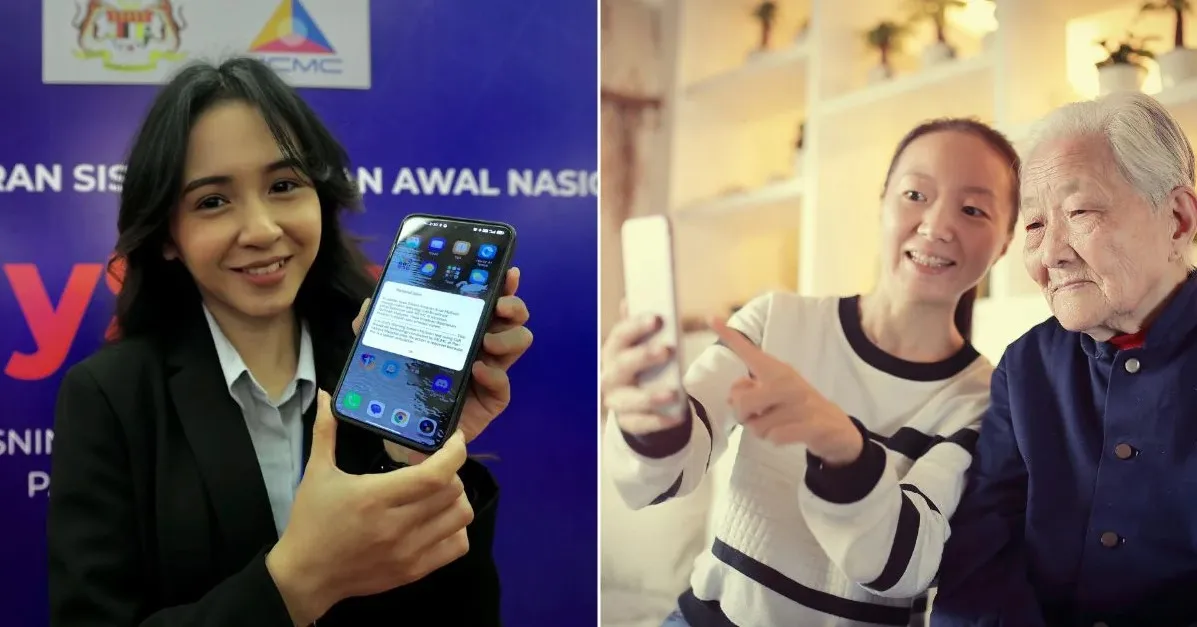
Malaysia will test MySiren nationwide this Sunday, 29 November. If you are the family member who handles phone settings, now is a good time to make sure your parents are ready before their phones start sounding.
MySiren is the country's national early warning system. It is designed to alert people to emergencies such as floods, severe weather, tsunamis, major fires and hazardous materials incidents. It uses Cell Broadcast technology, so alerts reach compatible phones in affected areas over participating 4G and 5G networks. You do not need to download an app, register or subscribe, and the alerts do not use mobile data or Wi-Fi.
Not every phone will receive them. According to the MCMC guidance, the requirements include an iPhone 11 or newer on iOS 27.2 or later, Android 12 or later, and Huawei devices on EMUI 16 or later. Phones that only support 2G or 3G cannot receive the alerts, and some older 4G models may also be left out. Restarting after an update and checking for Government Alerts or Wireless Emergency Alerts in the settings can help, though the exact wording varies by phone.
When a message arrives, read it through to see whether it is a test or a real warning. Above all, remember that MySiren will never ask for passwords, banking details, one-time passwords or payments. Anyone who asks for them is not the government.